Gaussian splatting
on your Mac
Train 3D gaussian splat scenes locally. Import your photos, tweak, render, export. No cloud required.
Version 0.2.3 · Free · macOS 15.6+
Requires M1 Chip or later
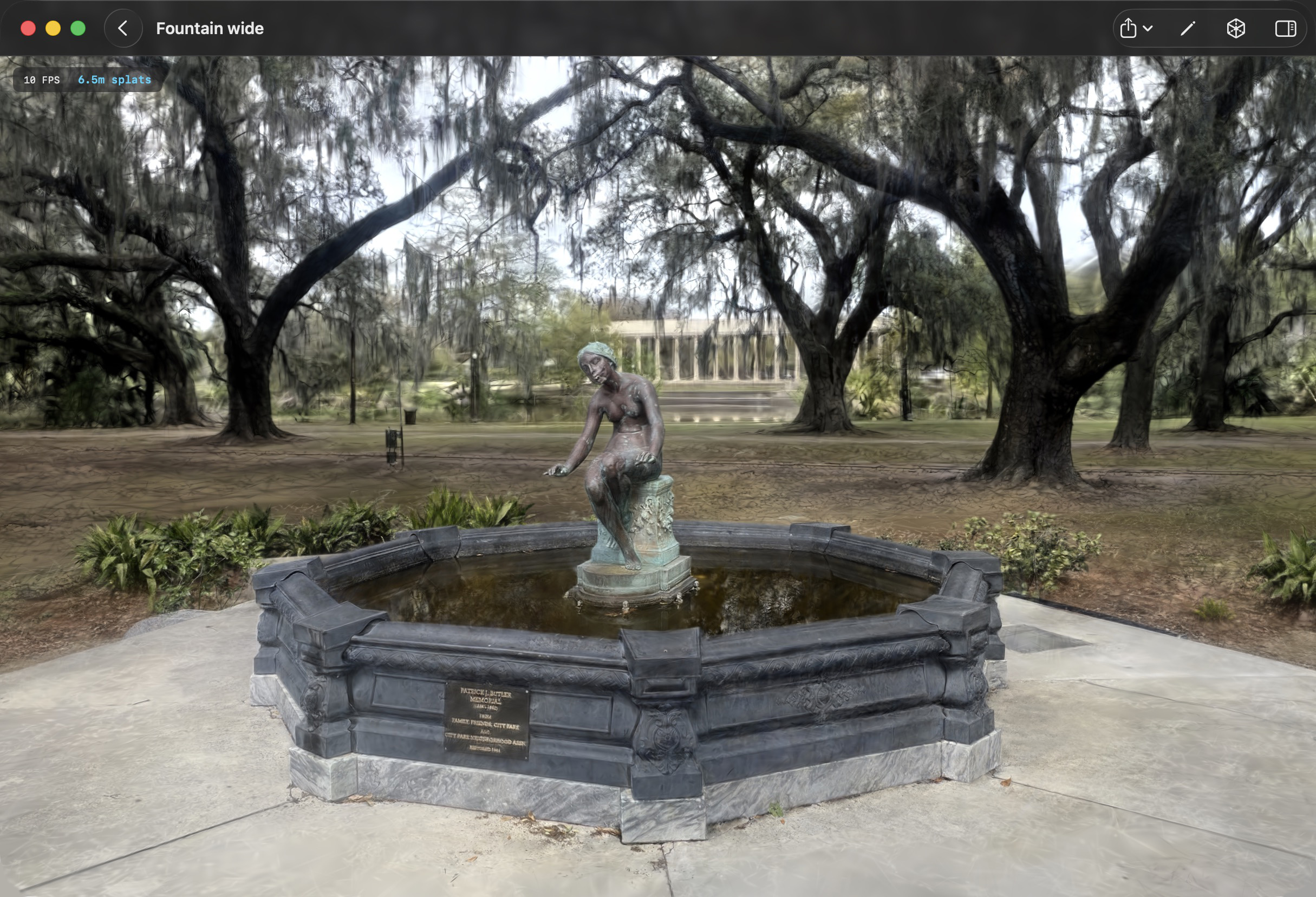
Train 3D gaussian splat scenes locally. Import your photos, tweak, render, export. No cloud required.
Version 0.2.3 · Free · macOS 15.6+
Requires M1 Chip or later
Drop in raw photos, COLMAP datasets, or Nerfstudio-format projects. The app handles structure-from-motion, or uses existing camera poses.
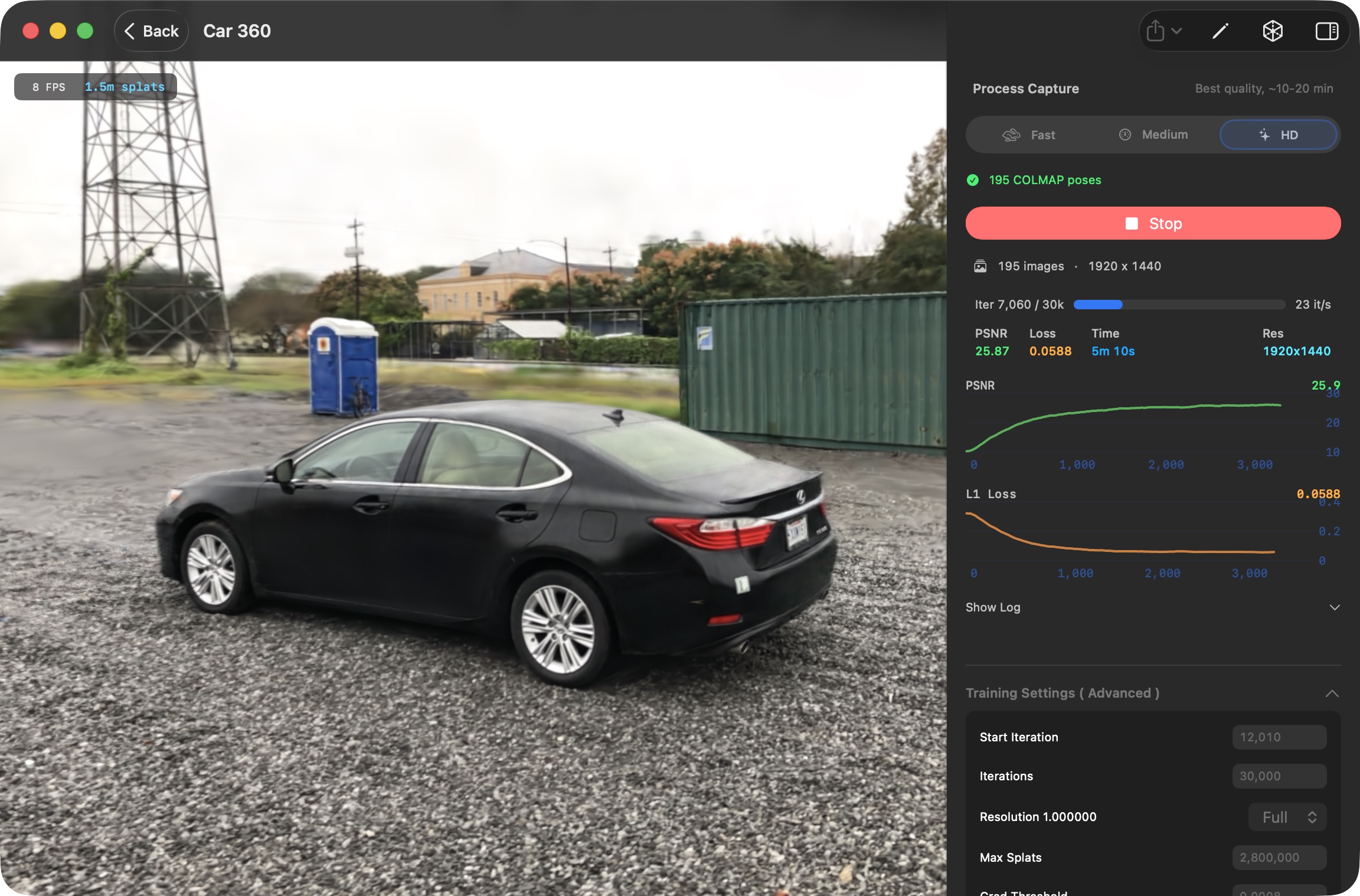
Train entirely on your Mac's GPU with Metal. Choose Fast, Medium, or HD presets depending on how much time you have.
Export your trained scenes as PLY, Compressed PLY, SPZ, or SOG. Ready for viewers, engines, and the web.
Use PNG alpha masks, a separate masks directory, or the built-in ML person segmentation to isolate subjects.
Paint and erase masks frame-by-frame with a built-in brush tool. Fine-tune ML-generated masks before training.
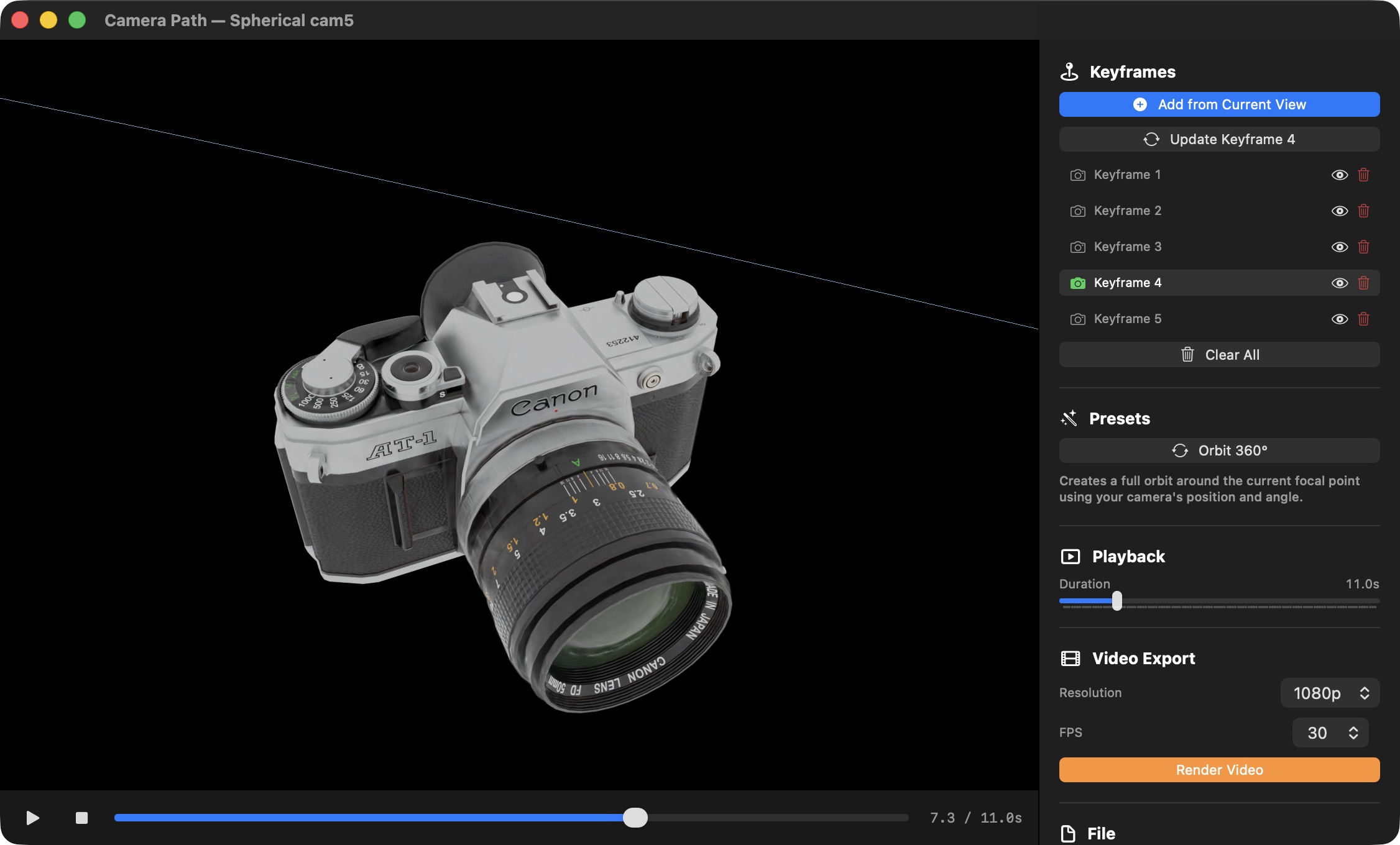
Create camera paths with keyframes, preview in real-time, and render smooth fly-through videos of your splat scenes.
See real-time PSNR and loss metrics as your splat scene trains. The app gives you full control over iterations, resolution, and quality presets.
From a quick 2-minute preview to a detailed HD reconstruction, you decide how far to push it.
Place keyframes, set durations, and render smooth fly-through videos. Use orbit presets for instant 360° turntables, or craft custom paths through your scene.
Export at up to 4K with configurable frame rate.
Automatically segment people from backgrounds using on-device machine learning, then refine masks by hand to create clean isolated splat portraits.
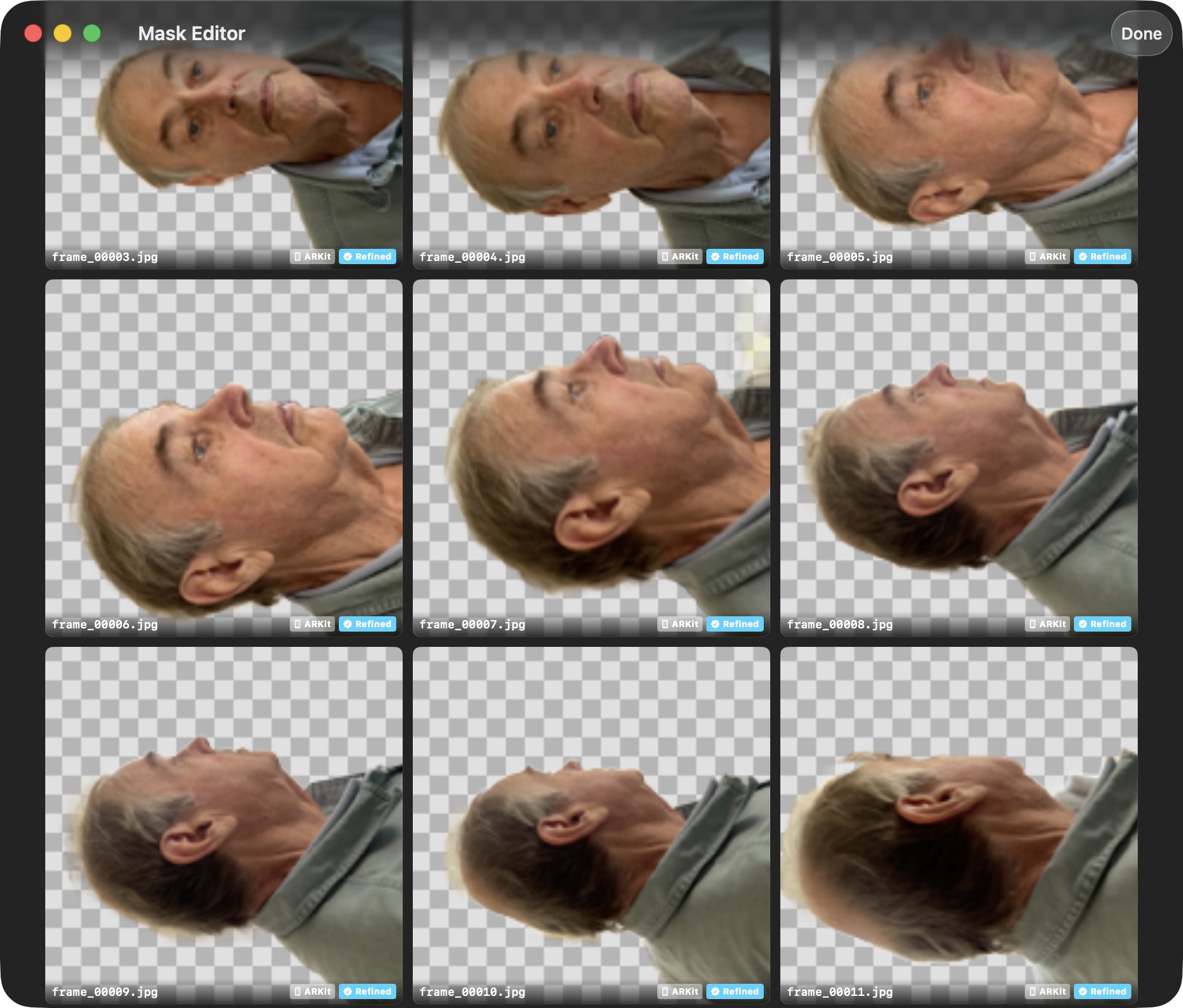
Run person segmentation across all frames in one click. Review generated masks in a thumbnail grid.
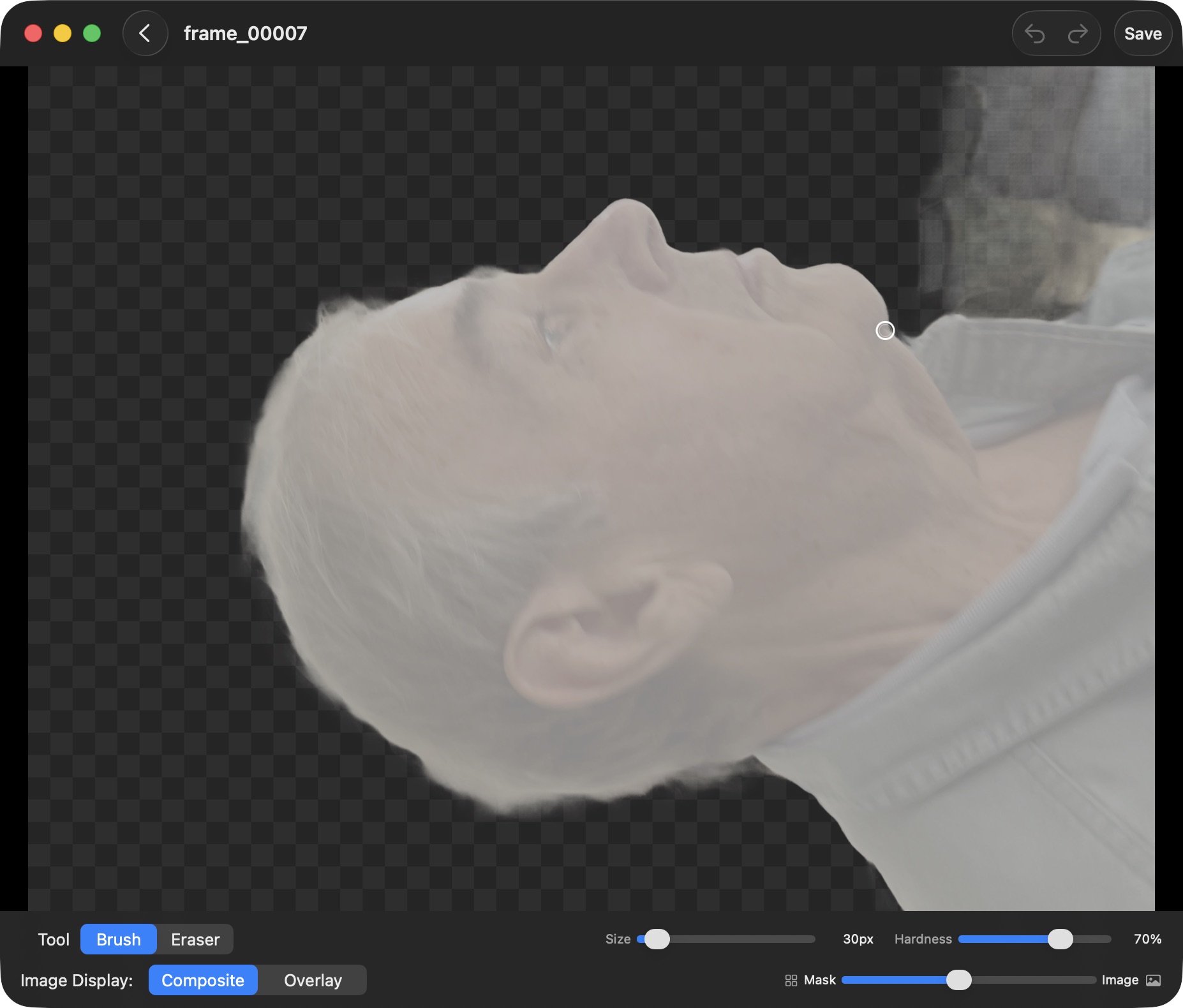
Use the paint and eraser tools to fine-tune edges. Toggle between composite and overlay views.
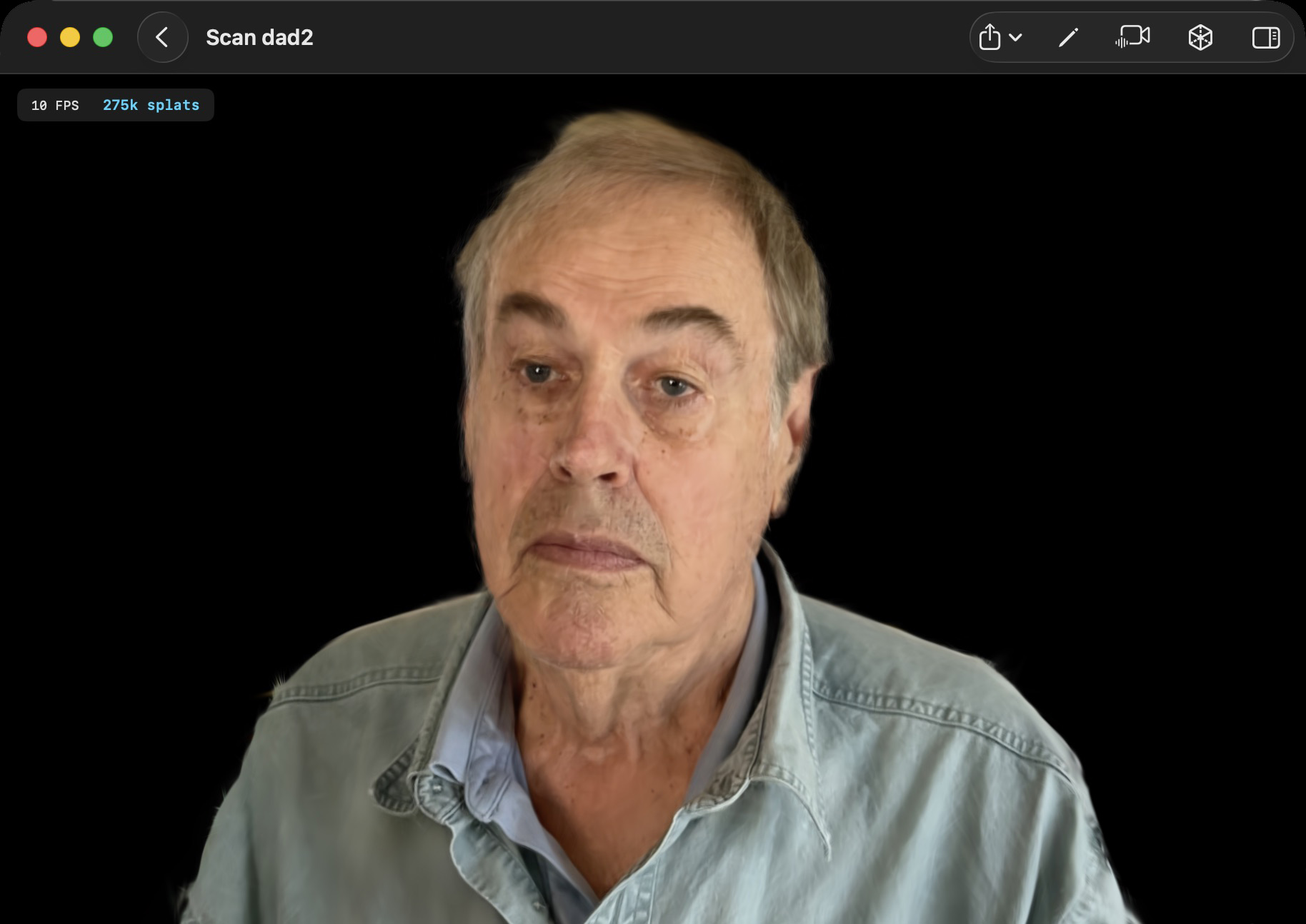
Train with masks enabled to get a clean isolated splat portrait, free of background noise.
A quick demo of some trained scenes and training timelapse.
Export trained scenes in the format you need for web viewers, game engines, or further processing.
Learn how photos and video become photorealistic 3D scenes, and how it compares to photogrammetry and NeRFs.
Free on the Mac App Store. macOS 26 Tahoe
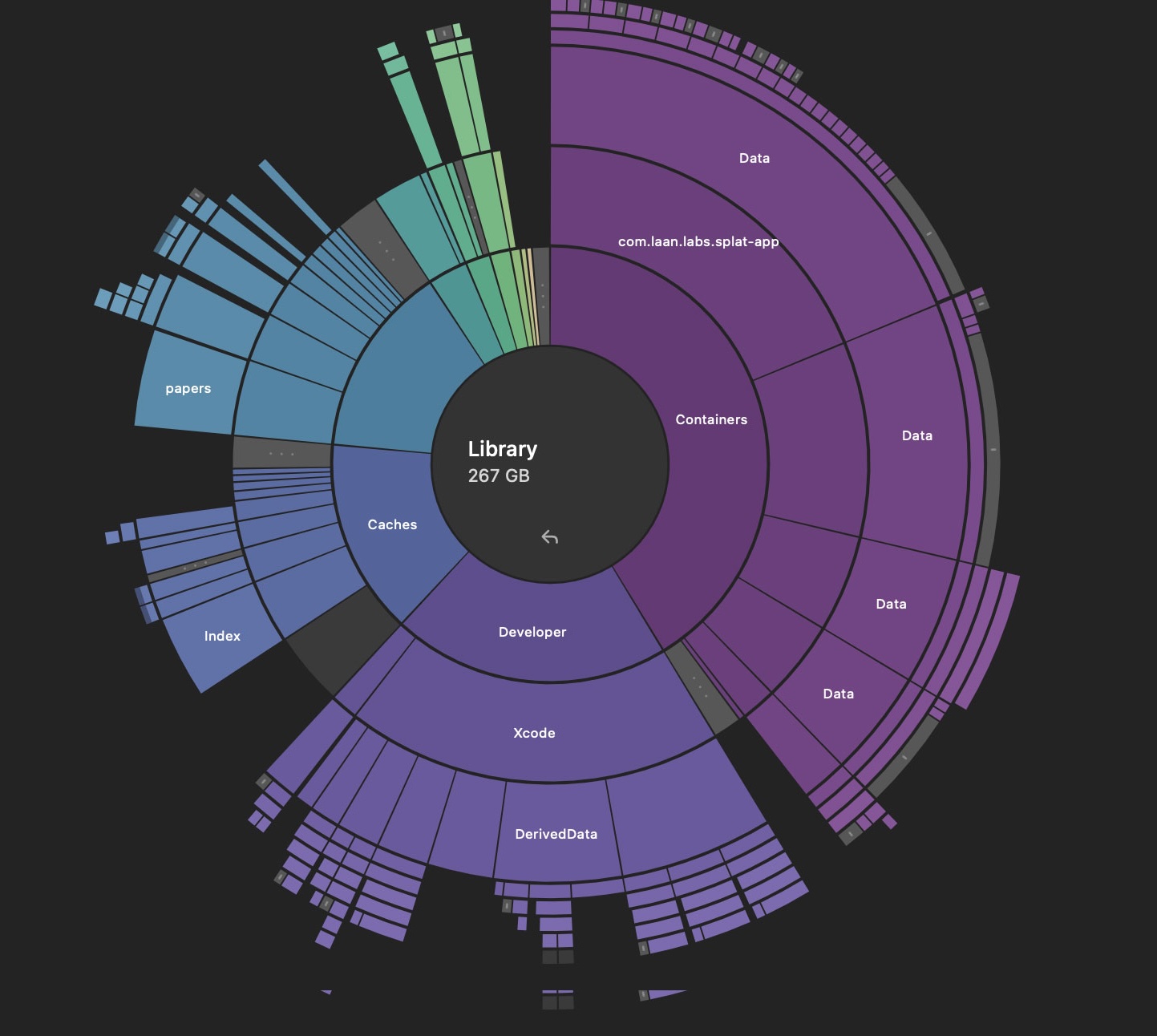
A free disk space analyzer for Mac that maps your drive with interactive charts, so you can see at a glance what's eating your storage. Drill into any folder, hunt down duplicate files, and clear out the gigabytes of build caches Xcode leaves behind.